Choosing a Linux Distro: Rolling or Fixed?
- Scott Tansowny
- Linux distributions
- September 11, 2023
Updated March 14, 2026
Linux distributions are constantly updating their software and packages to new versions and there are two main ways that a distribution can do this, a fixed release model and a rolling release model. So, what are the differences, and which one is right for you?
Fixed Release
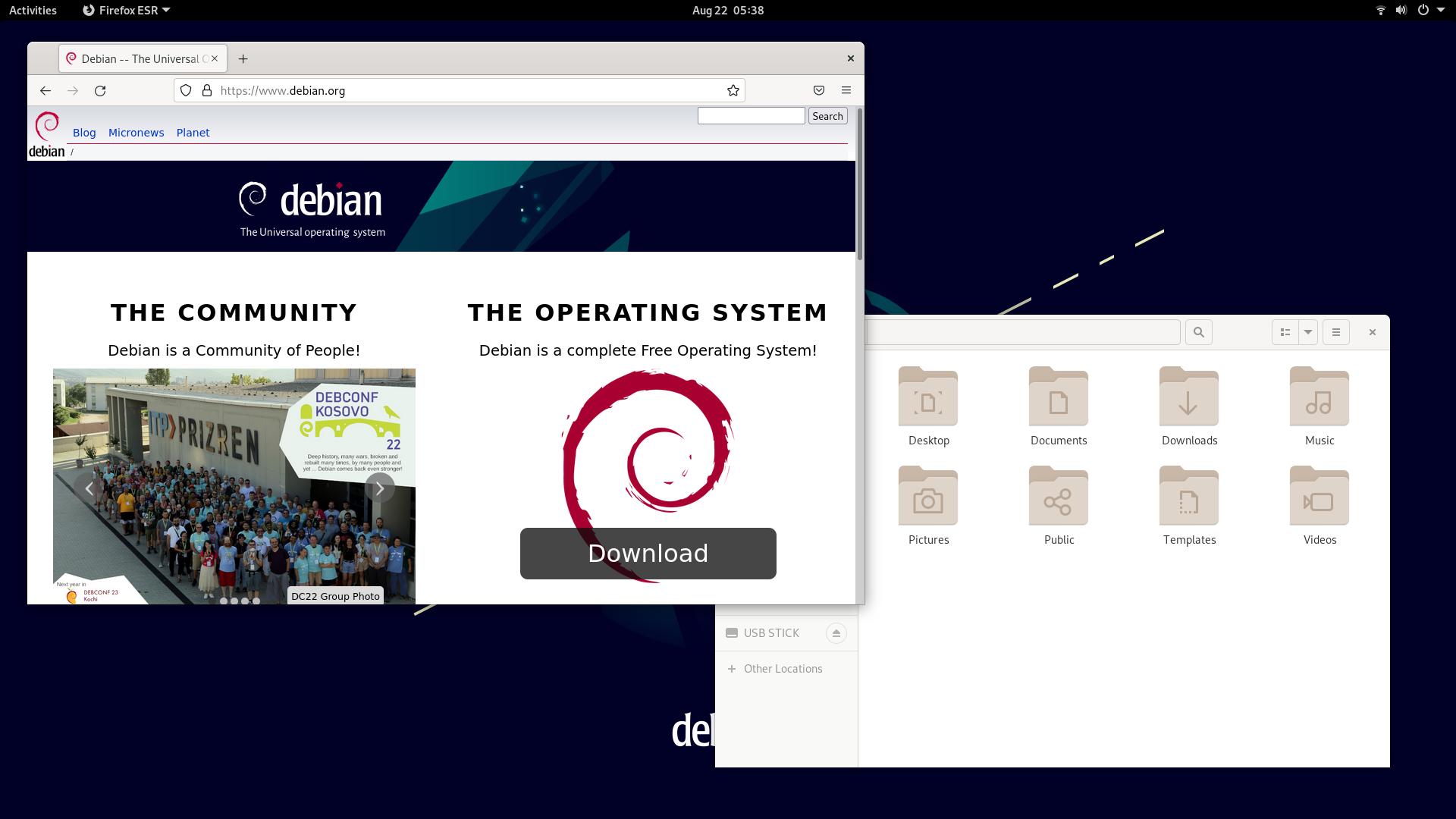
A fixed release distro typically only updates its software to new versions with the next release. Instead of giving you the latest version of each piece of software, the distribution maintainers patch the software to fix security flaws and bugs but keep the version the same.
This model has two main advantages, the first being stability. When a new piece of software is released there will inevitably be bugs and by keeping an older version these bugs are ironed out before you receive the new version of software. The other main advantage is that your software is less likely to change unexpectedly. This is very important in servers as new versions of one piece of software can impact other crucial software and cause downtime but on the desktop it can also prevent annoying and unexpected changes to your workflow when features that you expect to just work are adjusted or removed.
The main downsides to a fixed release are that you have to wait to get the latest features, you need to occasionally perform a large upgrade to the operating system when a new version is released which can take some time, and brand new hardware may not work with the older software provided by the fixed release.
Two prime examples fixed release distros are Debian and Linux Mint.
Rolling Release
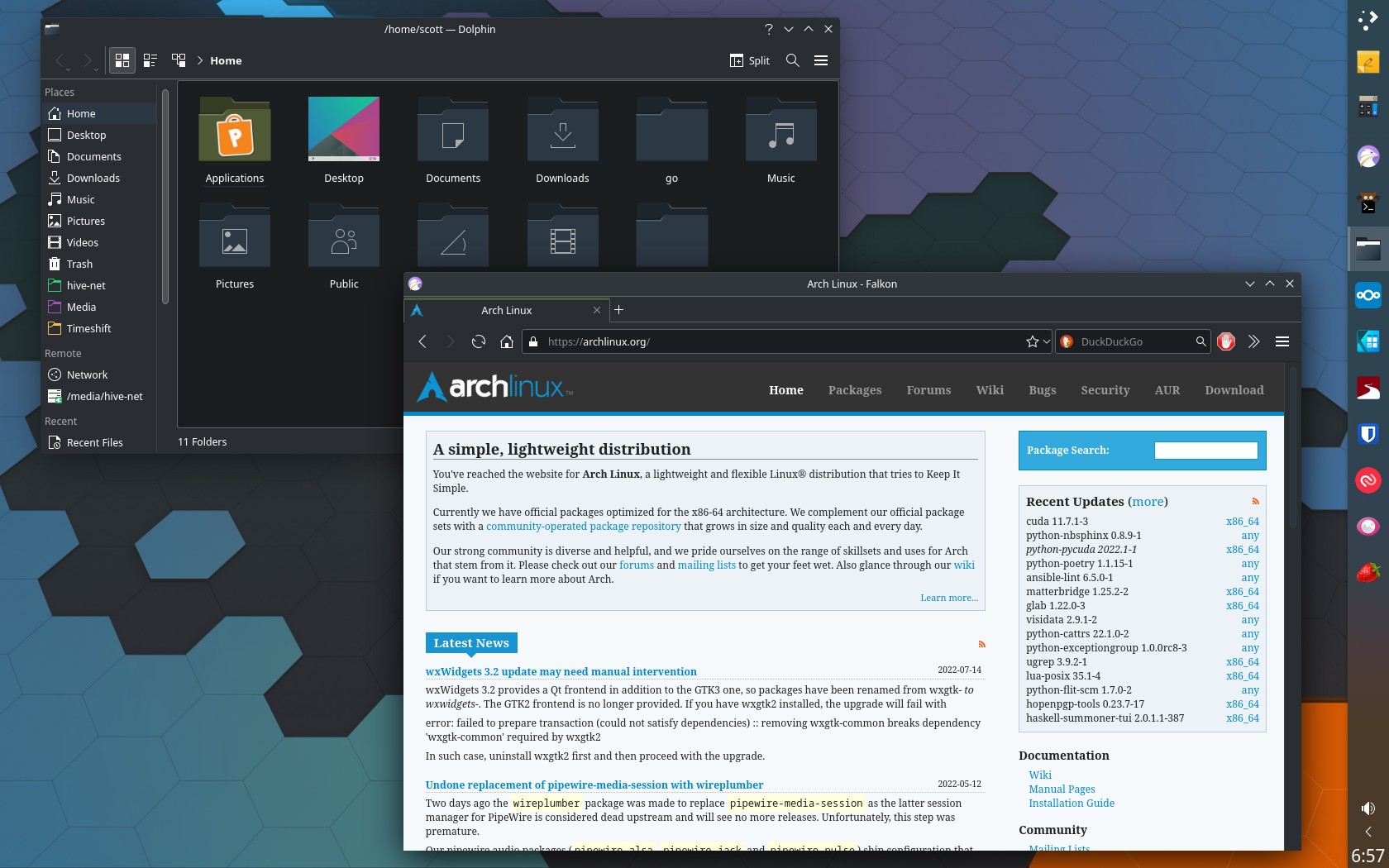
A rolling release distro differs from a fixed release in that all of the distro’s software is being constantly updated as the upstream developers update it. Updates gets continuously pushed to the distro without having to wait for a new distribution version to be released.
One of the main advantages to this release model is that all of the latest software is immediately received by the user giving access to all of the new features and bug fixes right away. Another advantage is that there is no need to do an upgrade to the next major version of the distribution as the distro keeps rolling saving you time and hassle of full distribution upgrades. A third area that rolling releases tend to be better is when you are using very new hardware. Due to receiving new drivers first, very new hardware can benefit greatly from being run on this type of distro.
The main downside to this model is that your system will undergo more frequent changes and there is a higher likelihood of bugs being introduced as you are on what’s referred to as the bleeding edge of software so you are one of the users testing this brand-new software. As well, there is a higher likelihood of an update “breaking” your system resulting in some downtime as you fix the issue brought in by the update.
Arch Linux is a perfect example of a rolling release.
The Blurry Middle Ground
Not every distro is just rolling or fixed, some choices offer more of a blended, hybrid approach.
- Pop!_OS: Pop!_OS is based off of Ubuntu LTS, giving it a fixed release base with stable packages. One main difference to a traditional fixed release model, however, is that Pop!_OS uses is rolling updates for their desktop environment, COSMIC. This makes the distro rock solid stable while giving users constant updates to the actively developed COSMIC desktop.
- Fedora: Fedora is unique in that it is a fixed release distro, released every 6 months but breaks free of the slow moving feel of many fixed release distros in its quick introduction of new technologies. New software and desktop environments will often line up with Fedora releases and may appear there even before rolling release distros like Arch Linux; blurring the lines between traditional fixed and rolling models.
Which Should You Use?
Whether you choose a fixed or a rolling release is entirely up to you and your preferences. If you want the latest and greatest and are okay with the odd issue you need to fix, go with rolling. If you value a computer that is just going to work when you need it and reliably plug along go with a fixed release. Either way there are many great options to try and have fun exploring.
This post is part of a series on Choosing a Linux Distro:
- Which Desktop Environment?
- Rolling or Fixed Release?
- Community-Based or Corporate-Backed?
- Which Distro?
- Mobile Edition
- Server Edition
Next in the series ➤➤ Community-Based or Corporate-Backed?