Choosing a Linux Distro: Server Edition
- Scott Tansowny
- Linux distributions , Home server
- January 13, 2026
Updated August 22, 2026
So, you’ve decided to build a home server—a reliable, always-on machine for media streaming, hosting services, or running containers. Choosing which distro to use can be a difficult decision with so many options, each with its own set of advantages and trade-offs.
I’ve run Linux servers for many years, from old repurposed laptops to dedicated server hardware. My servers consistently run on Alpine Linux and Fedora CoreOS for ultimate simplicity and security, but that’s just one path among many. This guide draws on that hands-on experience to help you select the best distro for your specific server needs.
Table of Contents
Key Server Considerations
Choosing a server distro is different from picking a desktop OS, here are some crucial factors to consider:
Stability & predictability
Your server should run for months or years without hiccups. You want a distro with a proven track record where updates fix security issues without introducing breaking changes. A “set it and forget it” mentality is often the goal.
Security
Servers are prime targets for hackers and malicious actors. Consider the distro’s default security configuration (firewalls, minimal installs, Linux security modules), the speed of security patches, the long-term support (LTS) commitment, and how easy it is to automate and audit updates.
Resource efficiency & overhead
A lightweight distro leaves more RAM and CPU cycles for your actual applications (Jellyfin, Nextcloud, Immich, etc.). This is especially important if you are using older or recycled hardware in your setup.
Philosophy & support model
Is it backed by a corporation with paid enterprise support or a dedicated community? This influences development priorities, support length, and available documentation.
The Distributions
Following are my top picks for a home server, ordered from best for beginners to most advanced.
What if you want the latest software?
The base vs. the apps:
These days, freshness doesn’t have to come from the OS. A stable, slow‑moving base can run the latest versions of your services inside Docker or Podman containers or using Snap packages. For most home servers, the ideal setup is a boring, reliable host underneath, with an application layer (containers or Snaps) that updates independently. This guide reflects that reality: stable traditional distros for the base, and Fedora CoreOS for those who want to go fully container‑native.
Ubuntu Server

Founded: Isle of Man (2004)
Based on: Debian
Init system: systemd
Backed by: corporation (Canonical)
Release cycle: fixed release; 2 years (LTS version), 6 months (interim releases)
Support: 5 years (LTS versions), 9 months (interim releases), 10 years (with pro subscription)
Homepage: https://ubuntu.com
Difficulty level: 🔵 🔵 ⚪ ⚪ ⚪ (beginner-friendly)
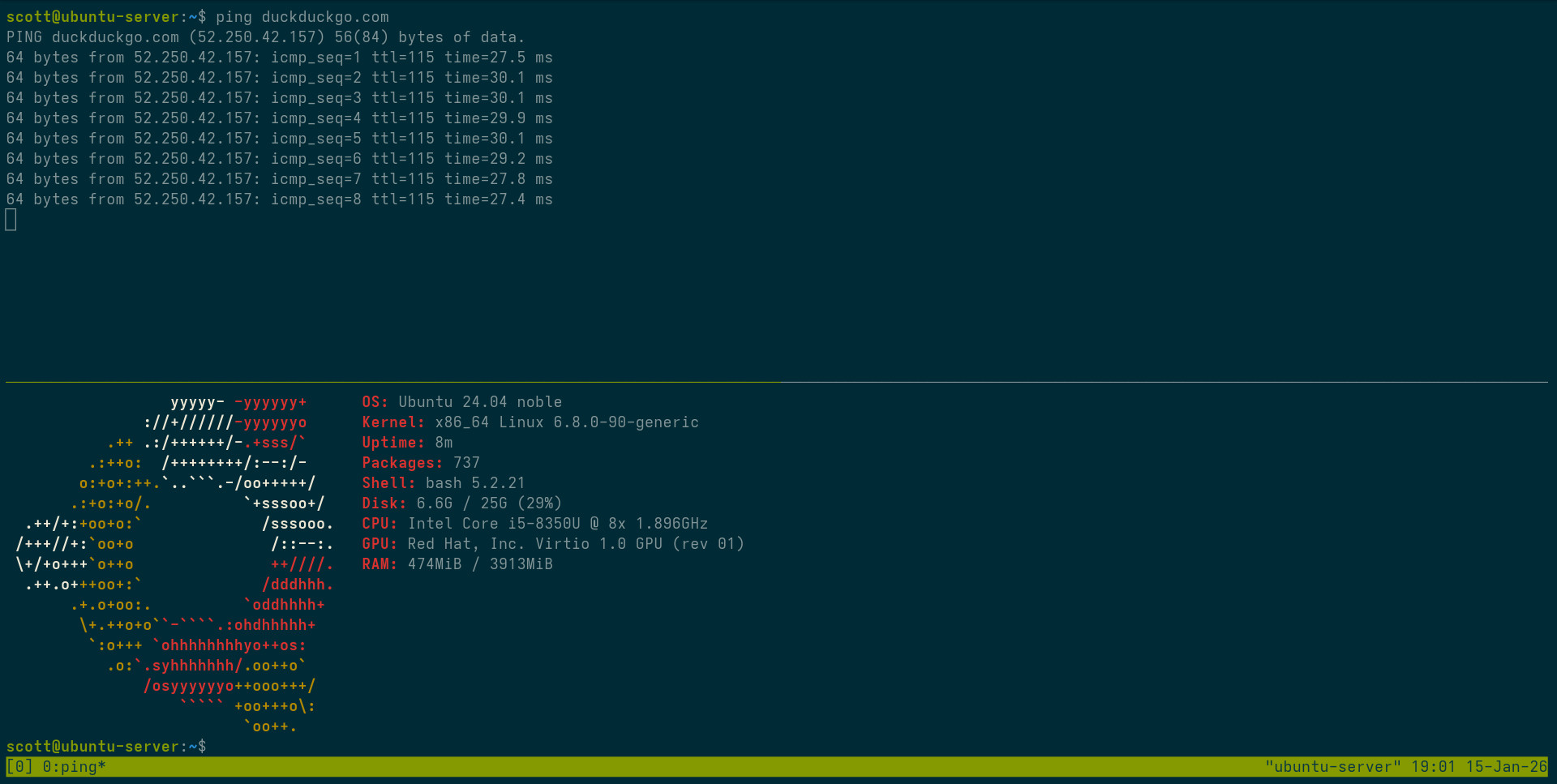
Canonical, the corporation that develops Ubuntu, deserves a lot of credit for bringing Linux to the masses; many a Linux enthusiast started with Ubuntu, including myself back in 2005. Ubuntu has always had a focus on being simple to use but still powerful. Ubuntu Server is the enterprise-ready Linux distribution that combines the reliability of Debian with commercial support and cutting-edge features, making it a popular choice for both home and professional server environments.
Enterprise-grade with community roots
Ubuntu Server leverages Debian’s robust foundation while adding its own layer of polish and commercial support. Developed by Canonical, it strikes a balance between stability and modern features. The Long-Term Support (LTS) releases provide a stable platform for home server enthusiasts who want a reliable, well-supported platform without constant maintenance and the interim releases provide quicker access to new and exciting software and features.
Ease of use meets powerful capabilities
What sets Ubuntu Server apart is its exceptional user-friendliness. Unlike the manual configuration found on other distros, Ubuntu provides intuitive tools and extensive documentation that make server setup and management more accessible. Right from installation, Ubuntu provides simple installs for a lot of popular server software such as Nextcloud using its Snap platform.
Comprehensive ecosystem
Ubuntu has an enormous software repository and excellent container support. Its integration with modern technologies like Snap and Docker make it versatile for various server use cases. The built-in support for cloud technologies means you can easily transition your home server skills to professional cloud environments.
There is a reason so many people run Ubuntu and you won’t go wrong if you choose this distribution.
Pros
- Very user-friendly
- Commercial support options
- Extensive software repository
- Excellent documentation
Cons
- Slightly higher resource usage
- Some advanced features may require paid Ubuntu Pro subscription
- Corporate-driven development may not always align with community interests
Debian

Founded: United States (1993)
Based on: independent
Init system: systemd
Backed by: community
Release cycle: fixed release; two years
Support: 5 years
Homepage: https://www.debian.org
Difficulty level: 🔵 🔵 🔵 ⚪ ⚪ (intermediate)
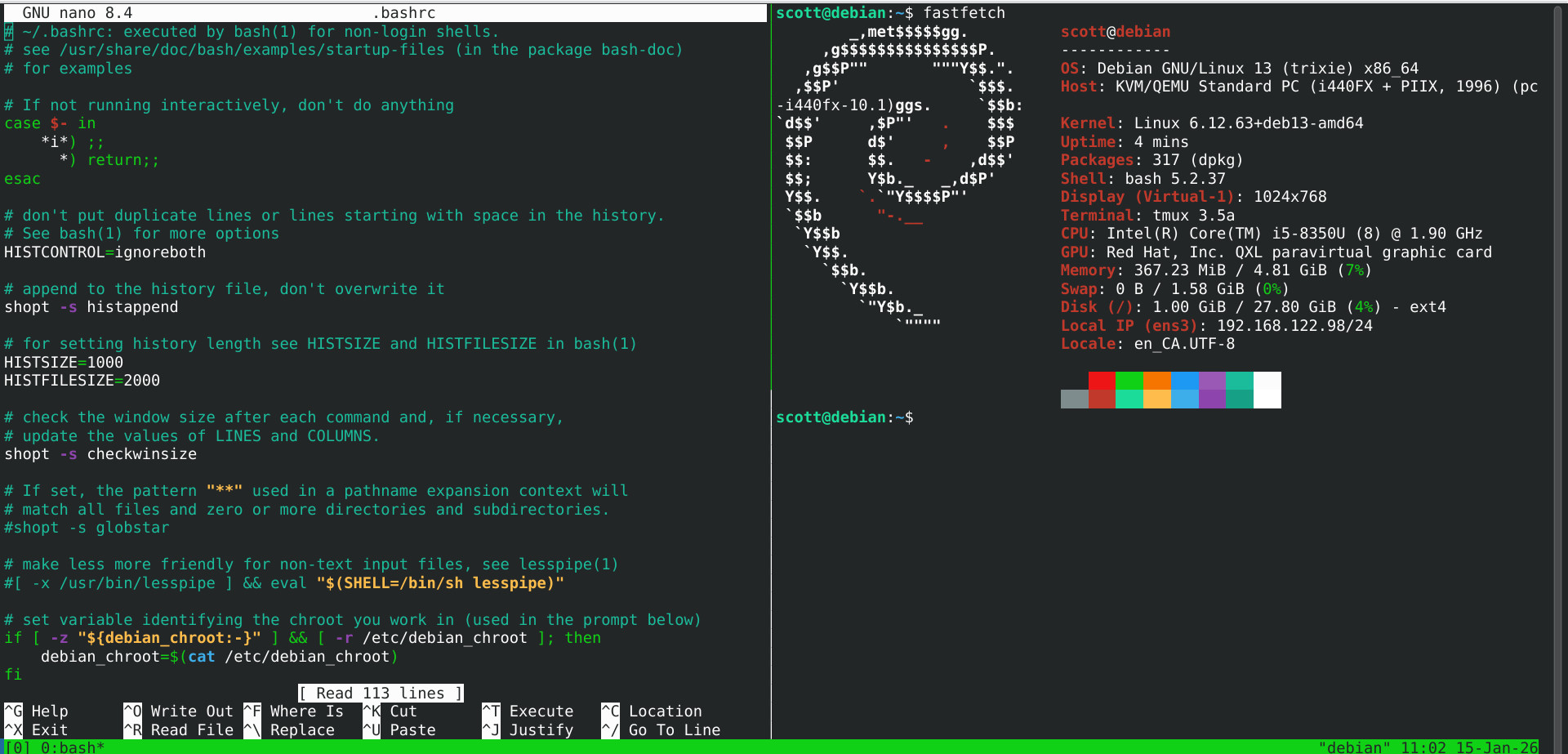
Debian is a cornerstone of server infrastructure, powering critical systems worldwide from small businesses to large-scale enterprise environments. Its reputation for stability makes it a top choice for servers that require minimal downtime and maximum reliability.
Rock solid stability
Debian is renowned for its unparalleled stability. The development philosophy prioritizes security and critical bug fixes over introducing new features, making it ideal for production environments. Debian provides a consistent, predictable platform that can run for years without requiring major system changes. Each version receives 5 years of updates, allowing system administrators to plan upgrades carefully and maintain a stable infrastructure.
Measured and secure
The measured approach to package updates means that while you won’t get the latest software features, you get thoroughly tested, secure packages. While this might mean slightly older software versions, it ensures maximum stability. In regard to security, Debian is quick to apply security patches to the older software in the event of any security vulnerabilities. For cutting-edge features, administrators can use backports or containerization technologies like Docker or Snaps to run more recent software versions.
The universal server platform
Debian truly lives up to its “universal operating system” motto in server environments. It supports a wide range of architectures, from ARM-based systems like the Raspberry Pi to enterprise-grade x86 servers and cloud instances.
Debian has some challenges but remains one of the most respected server platforms in the Linux ecosystem.
Pros
- Exceptional stability and security
- Large software repository
- Supports wide range of server architectures
- Community-driven development
Cons
- Steeper learning curve for new administrators
- Measured software versions
AlmaLinux

Founded: United States (2021)
Based on: RHEL
Init system: systemd
Backed by: community (AlmaLinux OS Foundation)
Release cycle: Fixed, ~3 years (following RHEL)
Support: 10 years
Homepage: https://almalinux.org/
Difficulty level: 🔵 🔵 🔵 ⚪ ⚪ (intermediate)
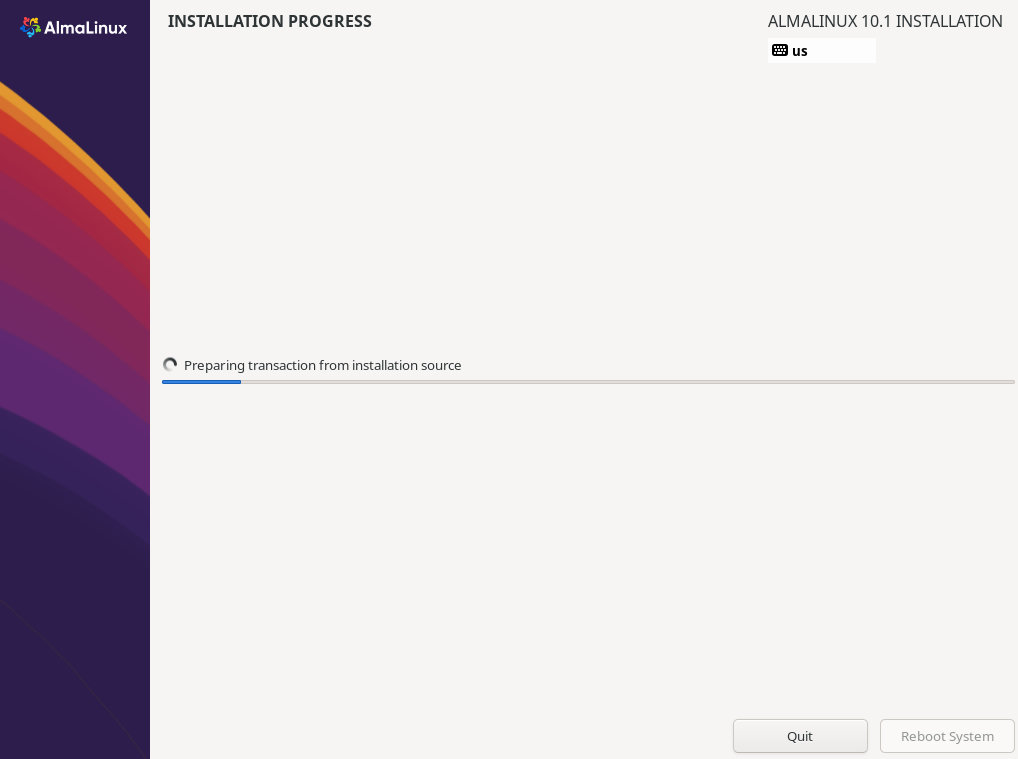
AlmaLinux is a free, community‑governed rebuild of Red Hat Enterprise Linux (RHEL). It’s binary‑compatible at the ABI level, so software certified for RHEL runs flawlessly—without the licensing costs.
Enterprise stability, community foundation
You get the same mature, heavily tested packages and the same ten‑year support lifecycle as RHEL. The project is steered by the nonprofit AlmaLinux OS Foundation, designed so no single company can redirect its future. It’s a server platform you can install once and leave for years.
Flexibility that RHEL doesn’t offer
Since moving away from strict 1:1 rebuilding in 2023, AlmaLinux has gained the freedom to ship what Red Hat won’t. For example, AlmaLinux 10 provides a separate x86‑64‑v2 build—supporting hardware as old as 2008‑era Nehalem CPUs—while RHEL 10 and other clones require the newer x86‑64‑v3 baseline. That same flexibility has let AlmaLinux reintroduce drivers and hardware support that RHEL dropped on other releases. It’s an enterprise‑grade OS that also keeps older machines in service.
Transferrable skills
The RHEL ecosystem uses the reliable dnf package manager and RPM format. If you work in enterprise IT, managing an AlmaLinux server at home reinforces the exact same skills used professionally. Security‑Enhanced Linux (SELinux), a security module that enforces access control policies, is enabled and configured by default.
The “stable” trade‑off
Like any enterprise‑stable distro, AlmaLinux ships older software versions. The focus is on backporting security fixes, not chasing new features. Adding fresher software is best done through containers (Docker or Podman) or third‑party repositories like EPEL.
If you want maximum stability, a 10‑year support cycle, and want to develop skills directly transferable to the enterprise RHEL ecosystem, give AlmaLinux a try.
Pros
- Long 10‑year support lifecycle
- Rock‑solid enterprise‑grade stability
- Direct skill transfer to corporate Linux (RHEL)
- Strong security with SELinux by default
- Flexible ABI‑compatible approach supports older hardware RHEL leaves behind
Cons
- Very measured software versions
- Less home‑user‑focused documentation
- Some desktop/media‑focused packages may be absent
Alpine Linux

Founded: Norway (2005)
Based on: independent
Init system: OpenRC
Backed by: community
Release cycle: fixed release, 6 months
Support: 2 years
Homepage: https://www.alpinelinux.org/
Difficulty level: 🔵 🔵 🔵 🔵 🔵 (expert)
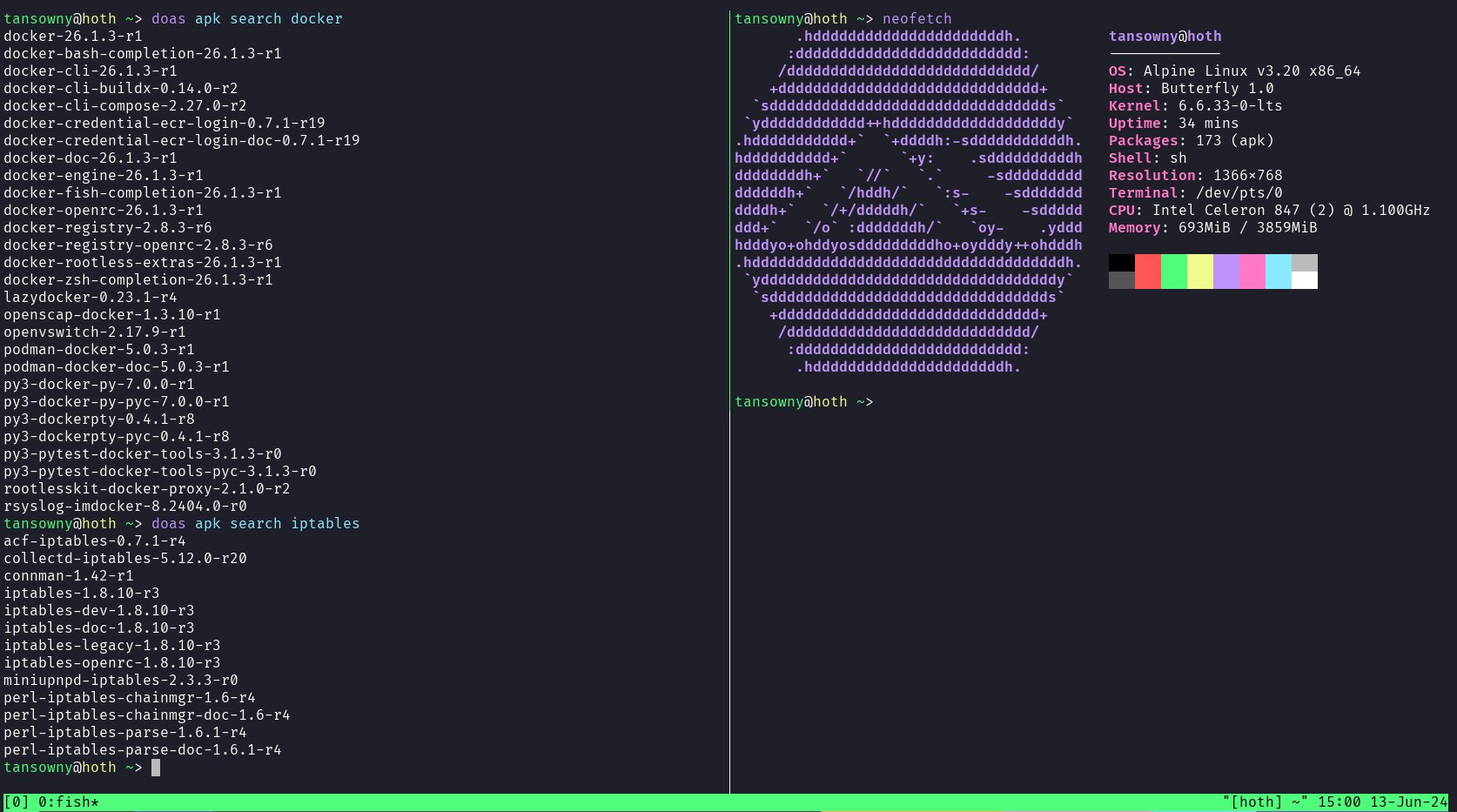
Alpine Linux is a small, simple, and secure server distro designed from the ground up to be stable and have an extremely small attack surface.
The air’s light up here!
Alpine is engineered to be a small, efficient base to build off of, making it an extremely lightweight and performant distribution. In fact, it’s the lightest distro on this list with an unbelievably small footprint. BusyBox instead of GNU Coreutils, musl libc instead of glibc, doas instead of sudo—decisions like this allow this distro to run extremely fast. This also makes it extremely secure. With a very small codebase, there are inherently fewer security flaws and possible exploits. Security through simplicity.
Get your hands dirty
Alpine’s minimalism means you really need to configure a lot of stuff manually. Things that just work on many other server distributions require a lot more setup and configuring on Alpine. Also, because Alpine uses OpenRC instead of systemd, many online tutorials and documentation won’t apply directly. That said, the Alpine Wiki is excellent, and once configured, an Alpine server can run for years with minimal maintenance.
APK: a package manager that gets out of the way
Alpine’s package manager, apk, is deliberately simple and fast. It handles dependencies cleanly, keeps the package database small, and makes updates quick. The official repositories are modest in size compared to some other distros, but they cover most server essentials—and for anything beyond that, Alpine works beautifully with Docker or Podman, where you can run virtually any software in a container without bloating the base system.
My go‑to for traditional servers
Alpine remains my default for a secure, stable, ultra‑light base. Its simplicity and security have earned my trust over many years.
If you’re looking for the ultimate in simplicity and security and have some Linux experience, Alpine Linux is definitely worth a look.
Pros
- Small, simple, and secure, only giving you what you need
- Well thought out package and service management
- Works well with popular server software such as Docker
- Versatile
Cons
- Not as much help/documentation available compared to more popular server distros
- Smaller repository of packages than some other distros
- More manual setup required
Fedora CoreOS

Founded: United States (2020)
Based on: Fedora (immutable/atomic variant)
Init system: systemd
Backed by: corporation (Red Hat)
Release cycle: stream-based continuous updates
Support: continuous
Homepage: https://fedoraproject.org/coreos/
Difficulty level: 🔵 🔵 🔵 🔵 🔵 (expert)
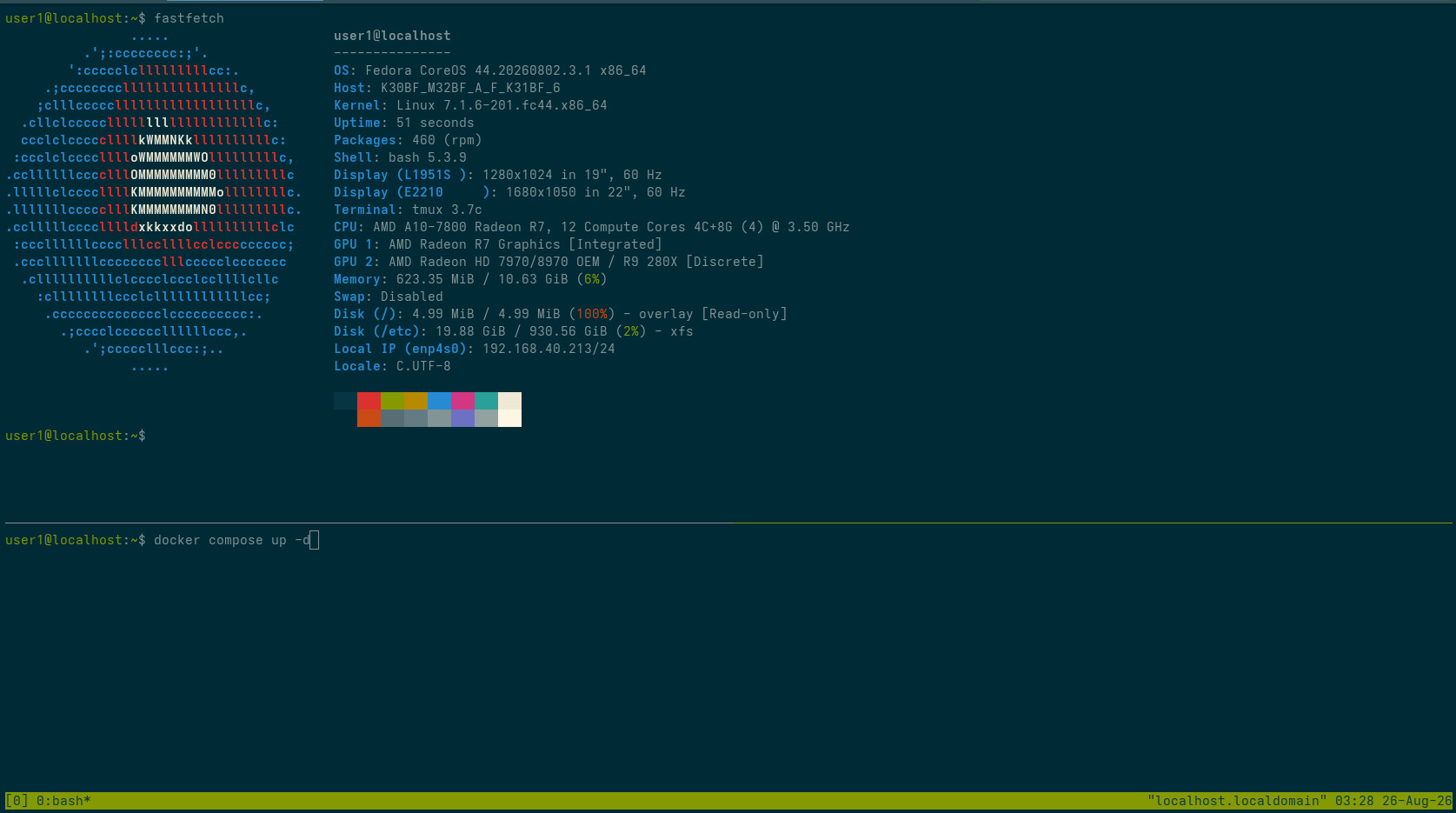
Fedora CoreOS (FCOS) is an atomic, automatically-updating operating system designed from the ground up to be a secure, minimal host for containerized applications. If your home server runs solely via containers such as Docker and Podman, this distro represents a fundamental shift in how you manage the OS itself.
Set it, forget it, and roll back if it breaks
FCOS flips the traditional server model on its head. Instead of logging in to run dnf update or automating it and hoping it doesn’t break, FCOS applies updates atomically as a new bootable filesystem snapshot. If an update introduces a bug or breaks your system, you simply reboot and select the previous working snapshot from the GRUB menu—it takes seconds and you’re back in business.
No packages, just containers
Here’s the paradigm shift: while rpm-ostree exists for layering a few essential packages into the base image (e.g., drivers or agents), its use is discouraged for general software. Instead of running dnf install caddy or apt install samba, every single service—your web server, database, VPN—is run inside a container like Docker or Podman. This dramatically shrinks the host’s attack surface and ensures your applications are decoupled from the underlying OS. For setups relying on containers, FCOS feels like a native habitat.
A steep but rewarding climb
This isn’t a distro you tinker with on a whim. You edit Butane/Ignition configuration files to provision the host at first boot. Day-to-day management is done via ssh. There’s no GUI, no interactive installer—you generate a configuration, write it to a USB drive, and boot. However, once running, the operational overhead is remarkably low. It forces you to adopt infrastructure-as-code principles, which is fantastic for reproducible homelabs.
My go‑to for containerized servers
For container‑focused servers this is what I use—a secure, stable, set‑and‑forget option for clients.
FCOS won’t suit everyone, but if you’ve fully embraced containers and want a host that practically maintains itself, it’s amazing.
Pros
- Rock solid with atomic, automatically-applied updates
- Effortless rollbacks to previous working states
- Extremely minimal attack surface
- Built natively for Docker and Podman ecosystems
Cons
- Cannot easily install traditional server software directly—designed to be containerized
- Entirely CLI/configuration-driven; no GUI management tools
- Very steep initial learning curve (Butane/Ignition, rpm-ostree, container-first mindset)
Real‑world deployment: Fedora CoreOS is the foundation of my zero‑trust client server setup. I use a custom Butane/Ignition config to provision servers automatically from a USB stick, then that same USB becomes a physical consent dongle—plug it in to grant me WireGuard access, unplug it to revoke it. No open ports, no permanent VPN, no terminal for the client.
Read the full guide: The Consent Dongle: Zero‑Trust Client Servers with Fedora CoreOS
Final Recommendation
For most new users, start with Ubuntu Server. Its balance of stability, support length, and incredible resources makes it a great choice.
For the ultimate in stability and longevity, choose Debian or AlmaLinux.
For outstanding simplicity, flexibility, and security go with Alpine Linux.
For a container-native, hands-off atomic setup, choose Fedora CoreOS.
Remember, the best distro is the one you can manage effectively, you can run virtually any server software on any of these. Choose one, put some time into learning it, and have fun with your server!
Want a Hand With Your Setup?
Choosing a distro is step one—getting everything running smoothly and keeping it that way is another story. I help people build, secure, and maintain Linux systems that are private, sustainable, and truly their own.
Take a look at my support plans →
This post is part of a series on Choosing a Linux Distro:
- Which Desktop Environment?
- Rolling or Fixed Release?
- Community-Based or Corporate-Backed?
- Which Distro?
- Mobile Edition
- Server Edition
- The Cuts
Next in the series ➤➤ The Cuts