How to Choose a Linux Distro: The Complete Guide
- Scott Tansowny
- Linux distributions
- January 19, 2026
Updated March 14, 2026
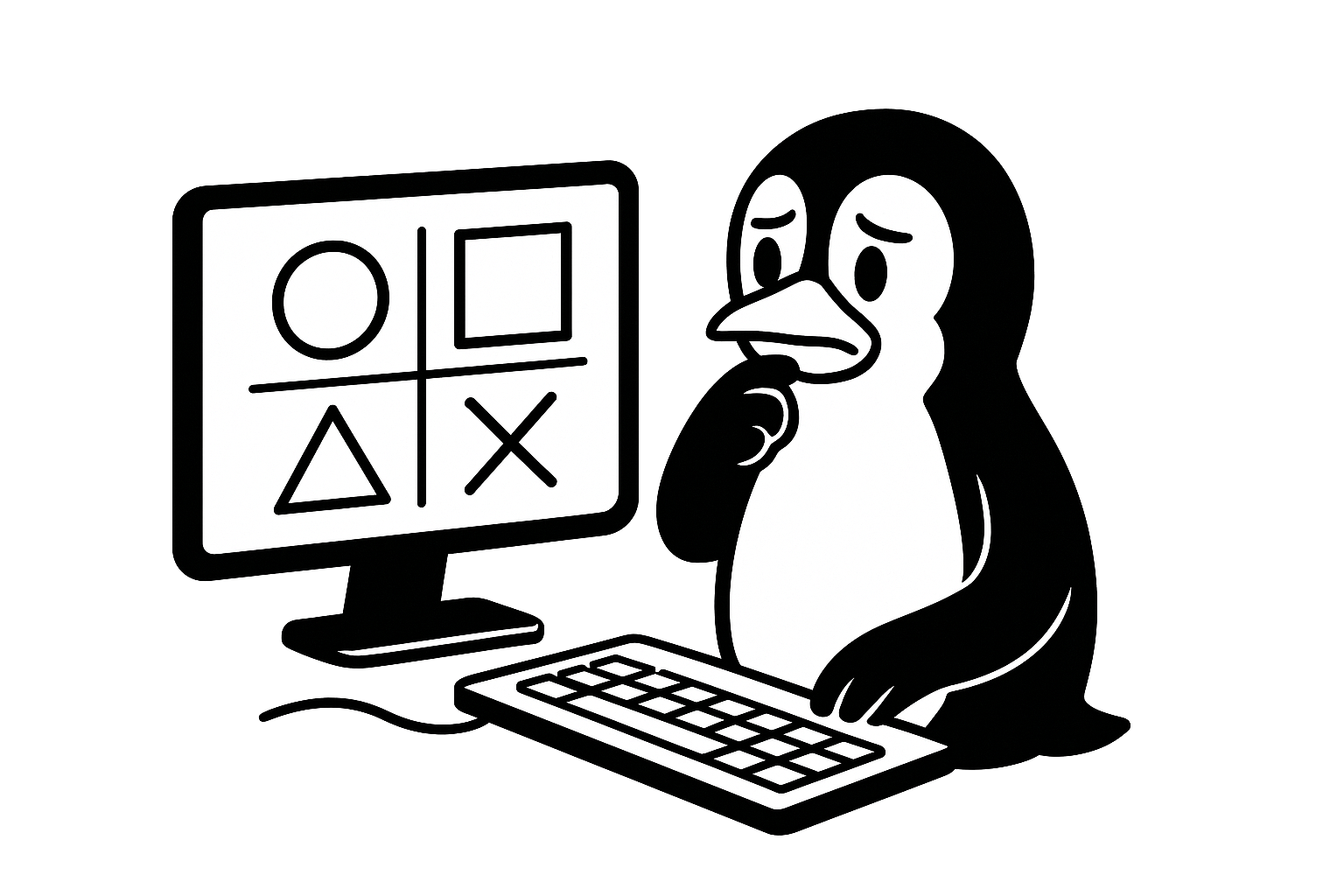
Choosing a Linux distribution can feel overwhelming. With hundreds of options, each with different philosophies, features, and communities, where do you even begin?

Table of Contents
This comprehensive series breaks down the decision process into logical, manageable steps. Whether you’re a complete beginner looking for your first Linux experience, a current user considering a change, or an enthusiast exploring specialized use cases, this guide will help you make an informed choice.
I’ve been using Linux for over twenty years across desktops, servers, and mobile devices. This series distills that experience into a structured guide to help you find the perfect distro for your needs.
The Series: A Step-by-Step Guide
1. Which Desktop Environment?
Your desktop environment (DE) is what you see and interact with every day. This article compares the look, feel, and workflow of the major DEs:
- GNOME - Modern, minimal, gets out of your way
- KDE Plasma - Feature-rich and highly customizable
- Cinnamon - Familiar, Windows-like experience
- COSMIC - Modern, tiling-focused desktop
- Xfce & LXQt - Lightweight options for older hardware
2. Rolling or Fixed Release?
Understand the two main update philosophies— and the hybrid approaches that blur the lines:
- Fixed Release (Debian, Linux Mint) - Stable, predictable, less frequent updates
- Rolling Release (Arch Linux) - Always current, bleeding edge software
- Hybrid Approaches (Fedora, Pop!_OS) - Distros that combine fixed stability with rolling aspects or cutting-edge releases
3. Community-Based or Corporate-Backed?
Explore the development models behind distributions— and the hybrids that don’t fit neatly into either box:
- Community-Based (Arch Linux, Debian, Linux Mint) - Driven by volunteers and user needs
- Corporate-Backed (Ubuntu) - Funded by companies with business considerations
- Hybrid Models (Fedora, Pop!_OS) - Distros where corporate resources support community-led development (Fedora), or where corporate incentives align with creating great software for everyone (Pop!_OS)
4. Which Distro?
A comprehensive distro recommendation guide. Detailed information on my picks:
Top 5 Recommendations:
- Linux Mint - “Just works” with familiar workflow
- Pop!_OS - A modern desktop and workflow for beginners and power users
- Debian - The universal, rock-solid stable choice
- Fedora - Cutting-edge features with corporate backing
- Arch Linux - Complete control and rolling updates
Plus in-depth looks at:
- Fedora Atomic Desktops (Silverblue/Kinoite)
- Ubuntu, PCLinuxOS, CachyOS, Void Linux, and Gentoo
Includes recommendations for beginners, intermediates, experts, and specific use cases.
5. Mobile Edition
Escape the Google/Apple duopoly with Linux on your phone or tablet:
- postmarketOS - True Linux for mobile, revives old devices
- /e/OS - DeGoogled Android with privacy focus
- Ubuntu Touch - Convergent phone/desktop experience
6. Server Edition
Choose the right foundation for your home server:
- Alpine Linux - Ultra-lightweight and secure
- Ubuntu Server - User-friendly with excellent documentation
- Debian - Unmatched stability for critical systems
- AlmaLinux - Enterprise-grade OS compatible with Red Hat Enterprise Linux (RHEL)
- Fedora Server - Cutting-edge server technologies
My Personal Setup
For transparency, here’s what I use daily:
- Desktops & Laptops: Arch Linux, Fedora, and Pop!_OS for cutting-edge features
- Servers: Alpine Linux for its rock-solid stability and security
- Mobile: /e/OS for a deGoogled Android experience
These choices reflect my preferences for control, performance, and privacy— your ideal setup might look completely different!
Start Your Journey
- Which Desktop Environment?
- Rolling or Fixed Release?
- Community-Based or Corporate-Backed?
- Which Distro?
- Mobile Edition
- Server Edition
Remember: The best Linux distribution is the one that works best for you. Don’t be afraid to experiment— you can try most distros via live USB without installing anything.
Have questions or suggestions? Feel free to reach out and send me an email.
Good luck on your Linux journey!